
 English
 Arabic
 Chinese (Simplified)
 Dutch
Dutch Filipino
 French
 German
 Italian
 Portuguese
 Punjabi
 Russian
 Slovak
 Somali
 Spanish
 Swahili
 Tamil
Tamil Urdu
Urdu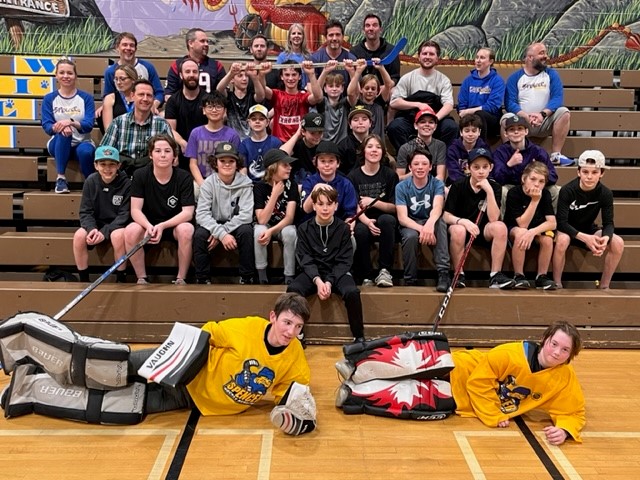
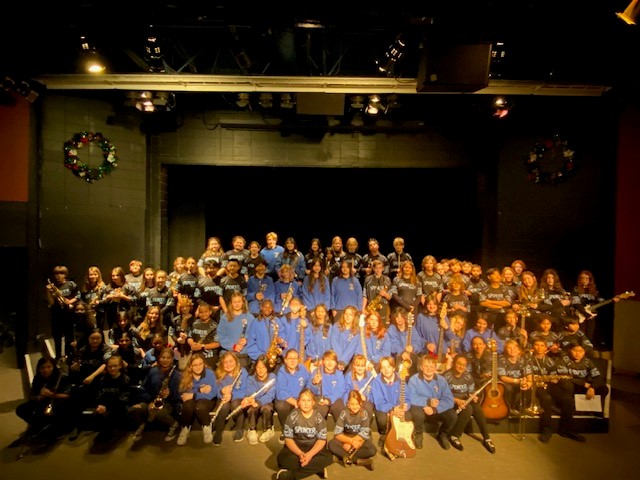
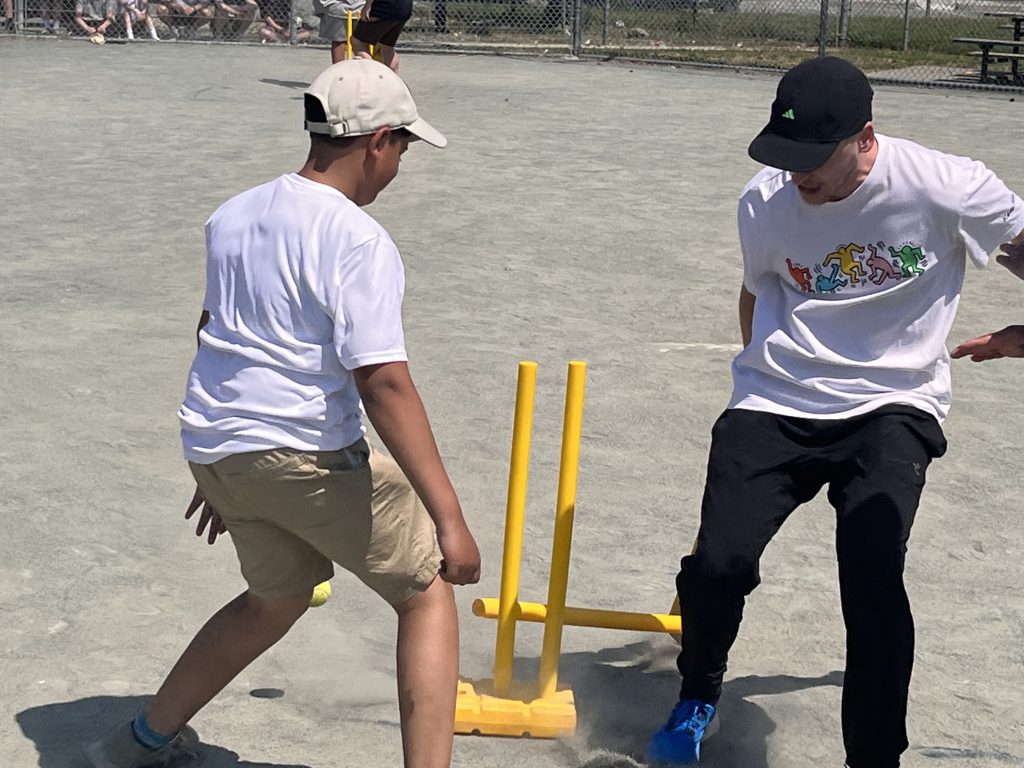
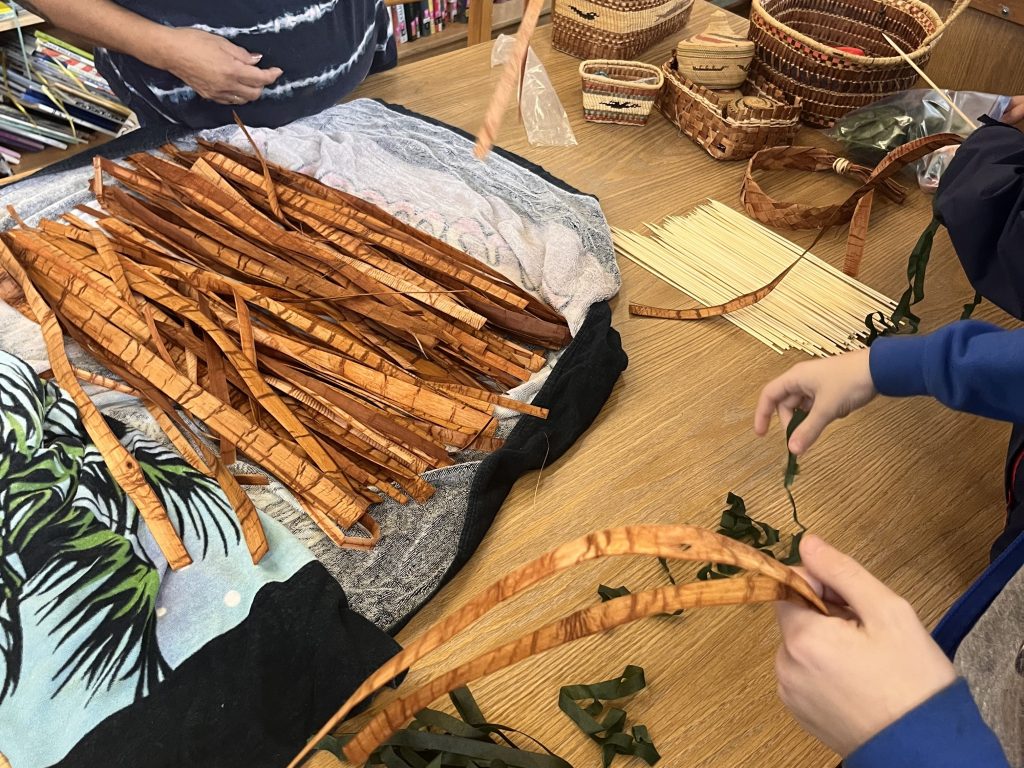
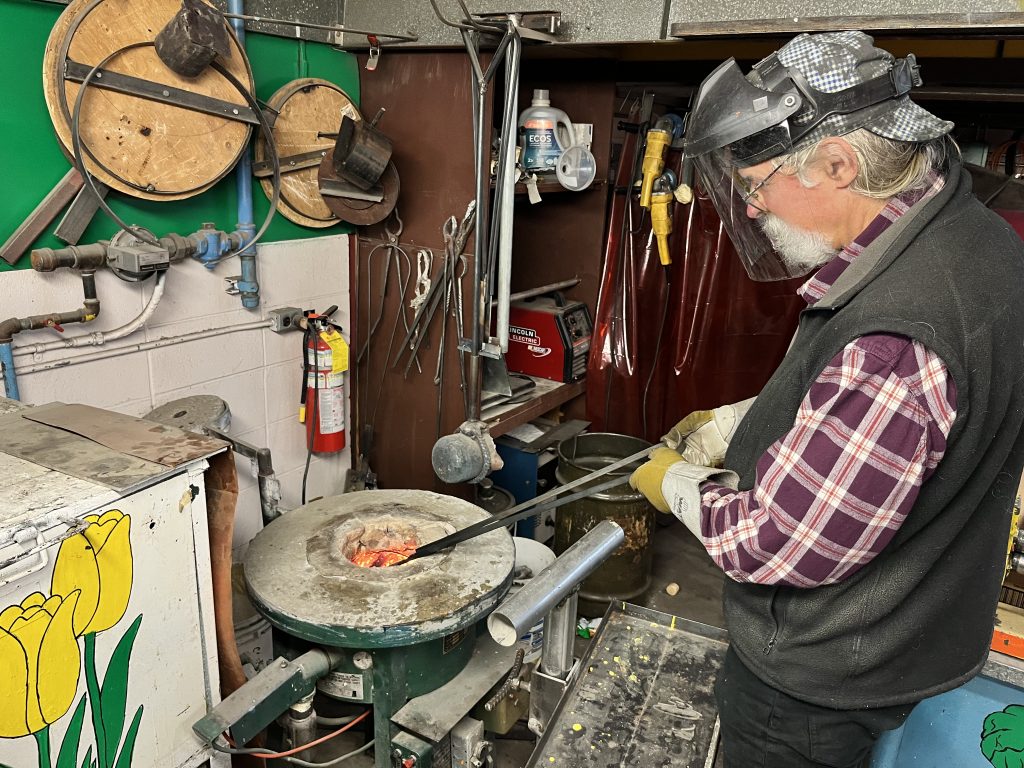
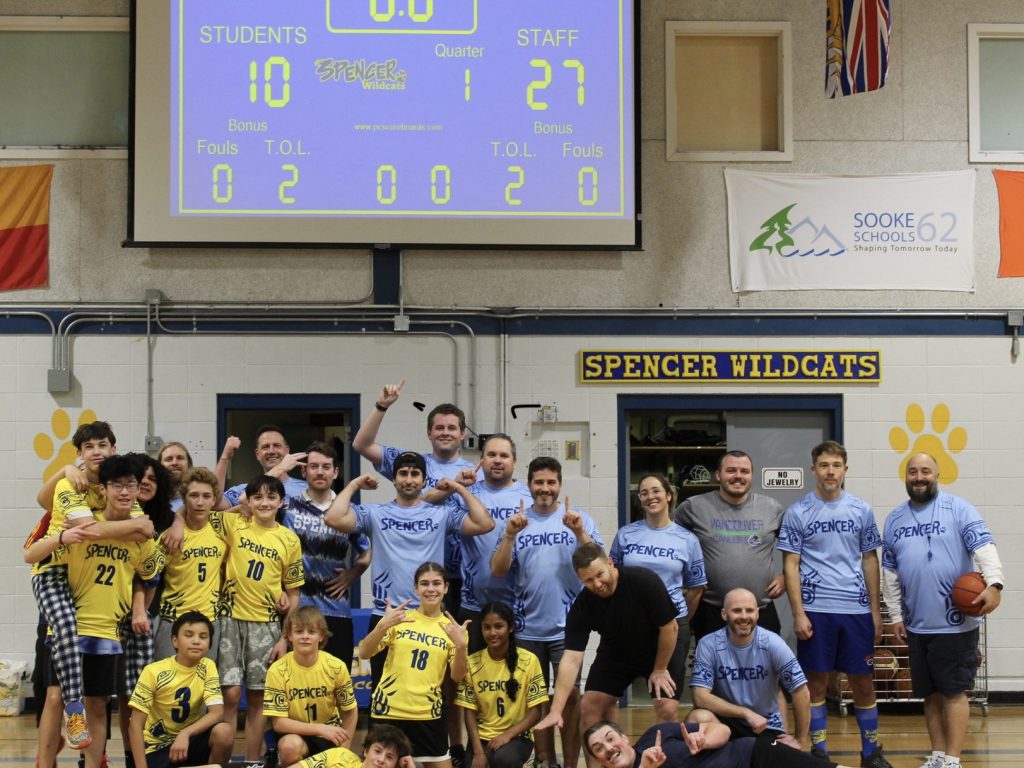


Here are the upcoming activities at Spencer!
MUSIC CLUBS
- Wednesday, September 10
- 8-8:40AM – Percussion Ensemble
- Lunchtime: Brass instruments practice
- Thursday, September 11
- 8-8:40AM: Percussion Ensemble
- Lunchtime: Percussion instrument practice
- Friday, September 12
- 8-8:40AM: TBA
- Lunchtime: R&B Rock Band Practices
Coming up the week of September 15:
- All music clubs start in the music room!
- Dance clubs are Wednesday morning, 7:45AM – 8:30AM
ATHLETICS
- Wednesday, September 10: Touch Rugby Practice: 3-4PM
- Thursday, September 11: Ultimate Frisbee Practice: 3-4PM
- Friday, September 12: Cricket Practice: 3-4PM outside
Click on the image below to view information on how to access and order from the Spencer Middle School Store!

September Start-Up: The SD 62 Middle Schools do a gradual entry for September which we have found is a great way for kids to transition back to school in September. This is what it will look like:
- Tuesday, Sept. 2nd - Gr 6 students only: 8:50-11:40 (buses run in both directions).
- Wednesday, Sept. 3rd - Gr 7 students only: 8:50-11:40 (buses run in morning only, so please arrange for your child to get home).
- Wednesday, Sept. 3rd - Gr 8 students only: 12:15-2:50 (buses run to go home, but not to get to school).
- Thursday, Sept. 4th - all students attend, first full day.
- Friday, Sept. 5th – all students attend; Welcome Back BBQ
School Supplies for 2025-26: The Spencer PAC works with School Start to order school supplies. Ordering from here also supports the PAC activities. Here are the links:
If times are tough, we also have a few new backpacks with basic school supplies available for students for next year. If you would like one, please come by the office before the end of the month to pick one up.